Budget control, ledger and curve
Budget, committed, spent and available per contract, a budget that is enforced, alerts at 75% and 100%, and the budget curve and ledger behind every figure.
What you will see
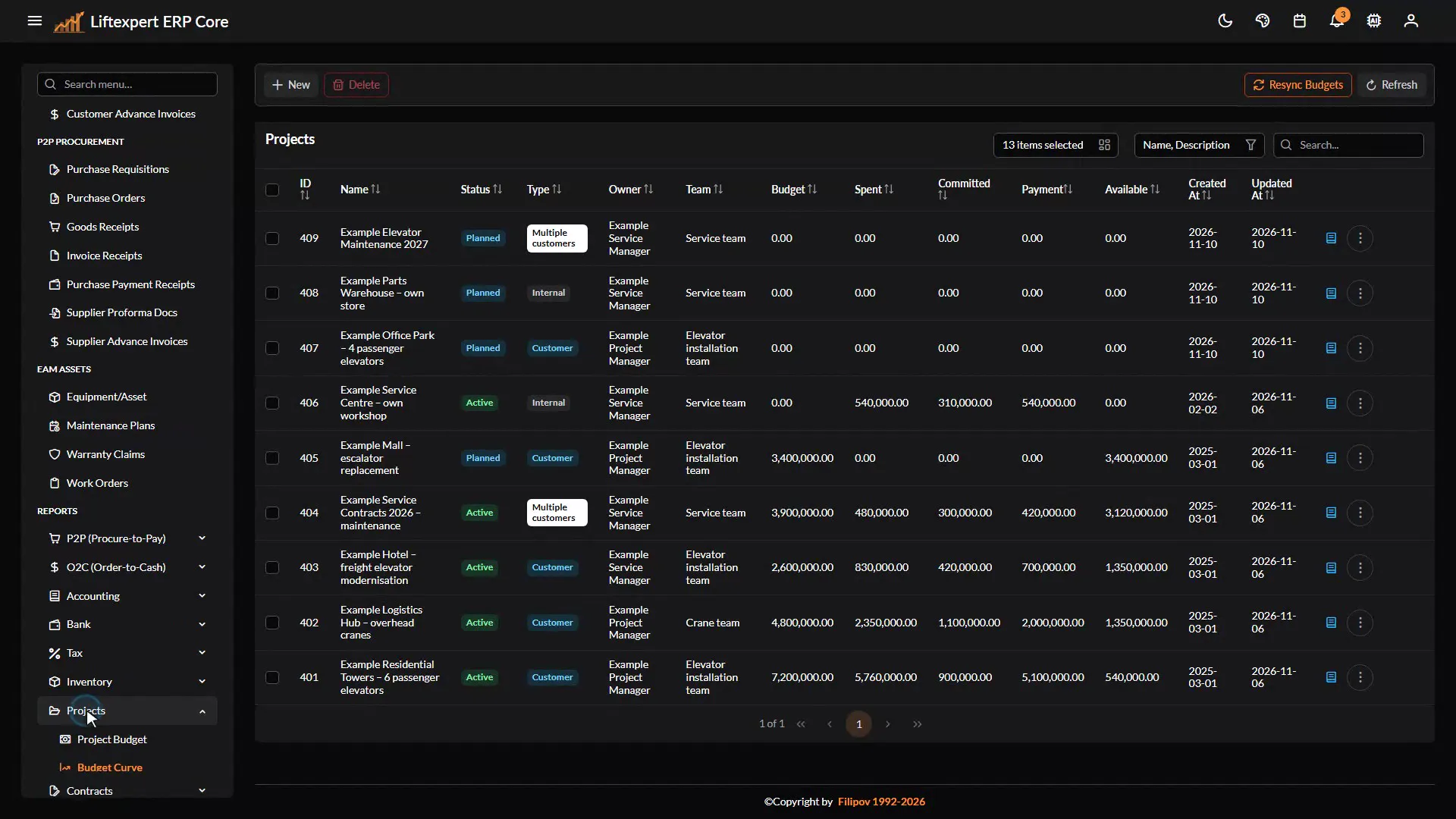
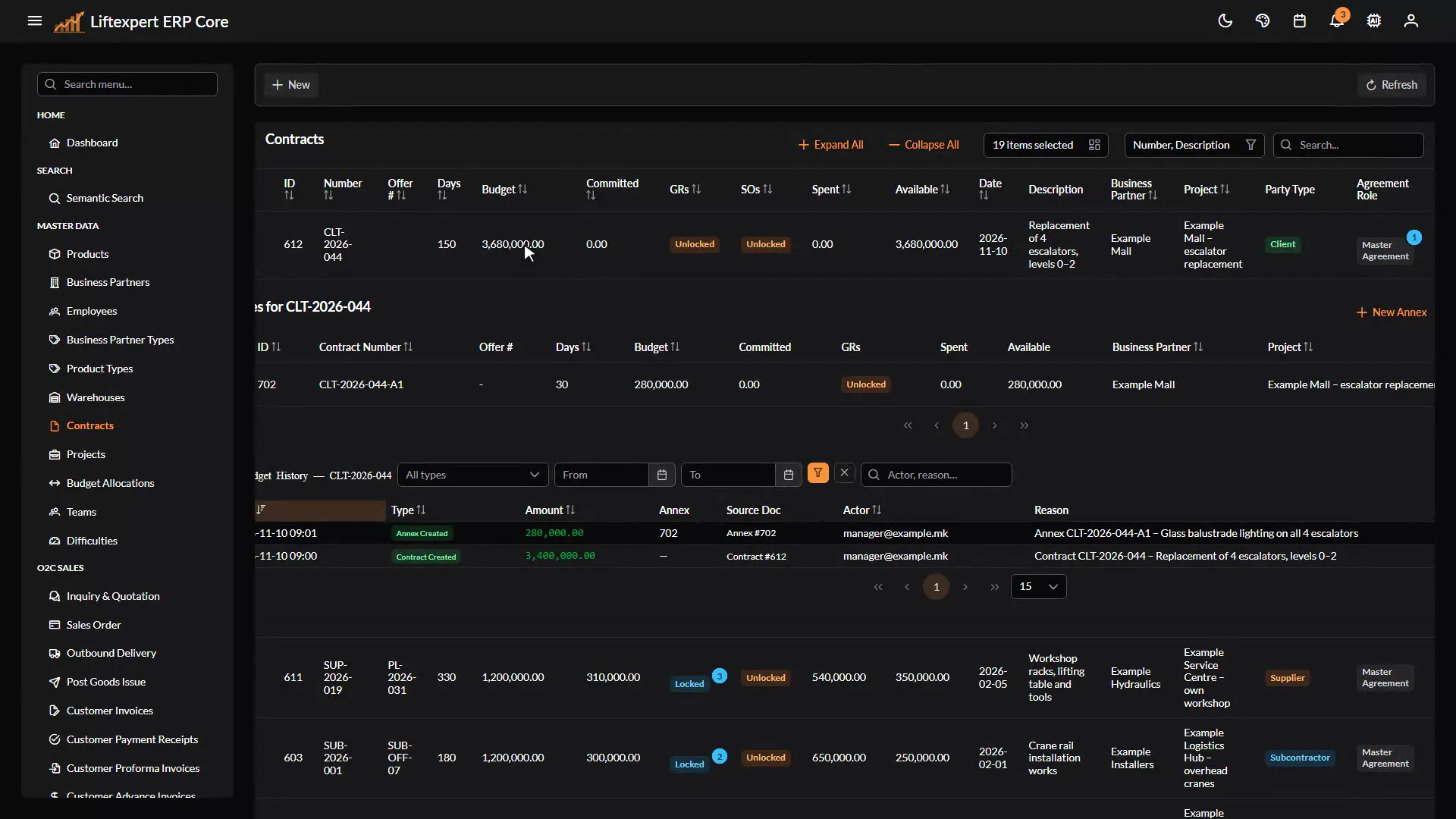
- The Contracts report shows each contract's budget, committed, spent and available, with totals
- A requisition or purchase order larger than what is left on its contract turns red, shows the shortfall and can't be saved; the server checks it again
- At 75% and again at 100% of a budget, the finance leads get a notification and an email
- The budget curve shows the budget stepping up with each contract and annex, and committed moving into spent; in percent, dashed lines mark 75% and 100%
- The budget history lists every contract, annex, receipt and order with its source document, who did it and the balance after it