Budget transfers with approval
Move budget between contracts of a project or between projects: the transfer waits as pending, and the budget moves only when someone else approves it.
What you will see
- Budget Allocations lists every transfer of a project with its amount, reason, who asked and its status
- A new transfer is saved as pending; both contracts keep their budgets until it is approved
- On approval the budget moves out of one contract and into the other in the same step, so the ledger always balances
- Nobody approves their own transfer, and a rejected transfer keeps its reason and stays in the list
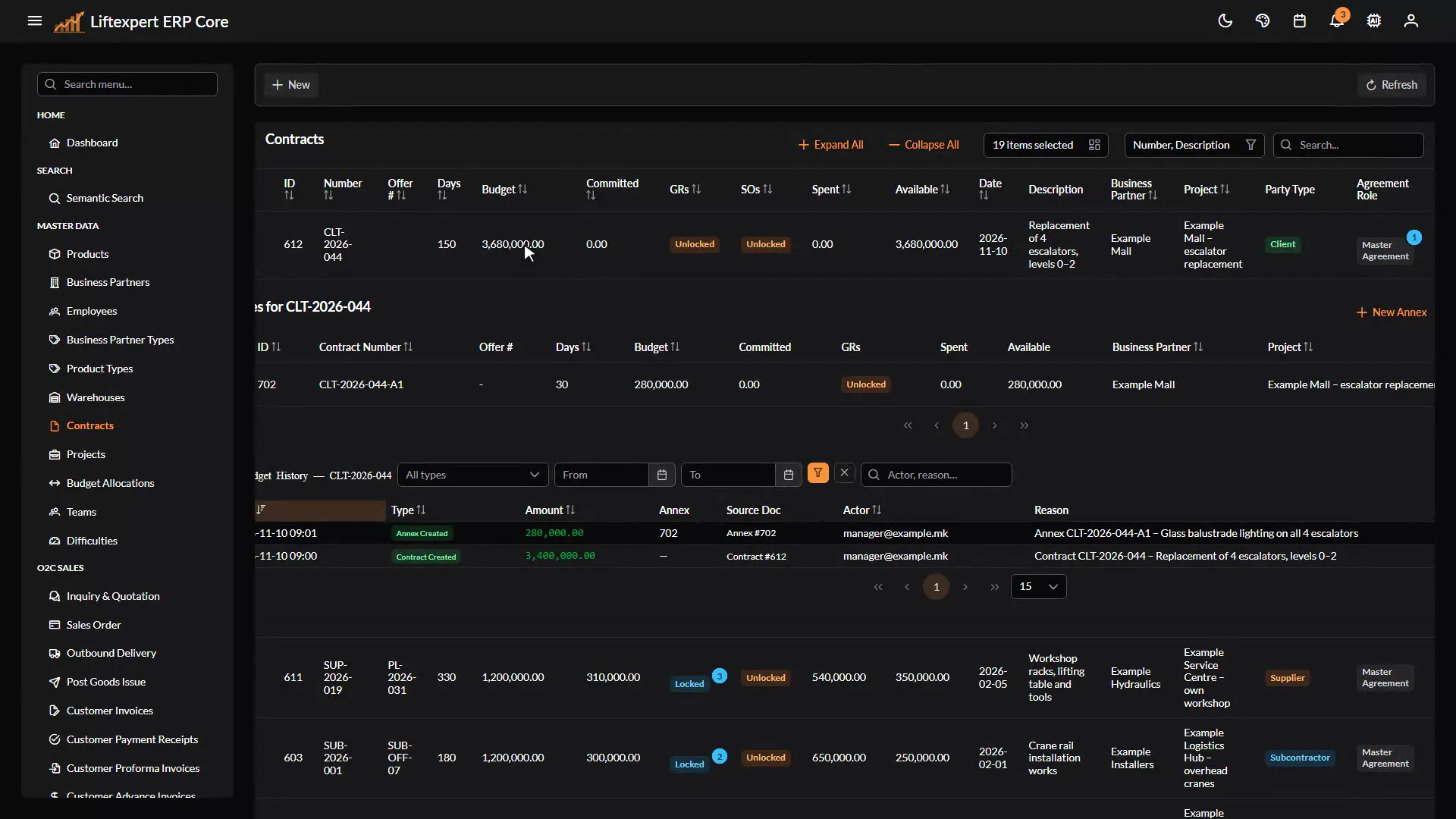
- The budget history shows the transfer out and the transfer in; an approval is never undone, and a mistake is corrected with a transfer back