Inventory inflow and outflow
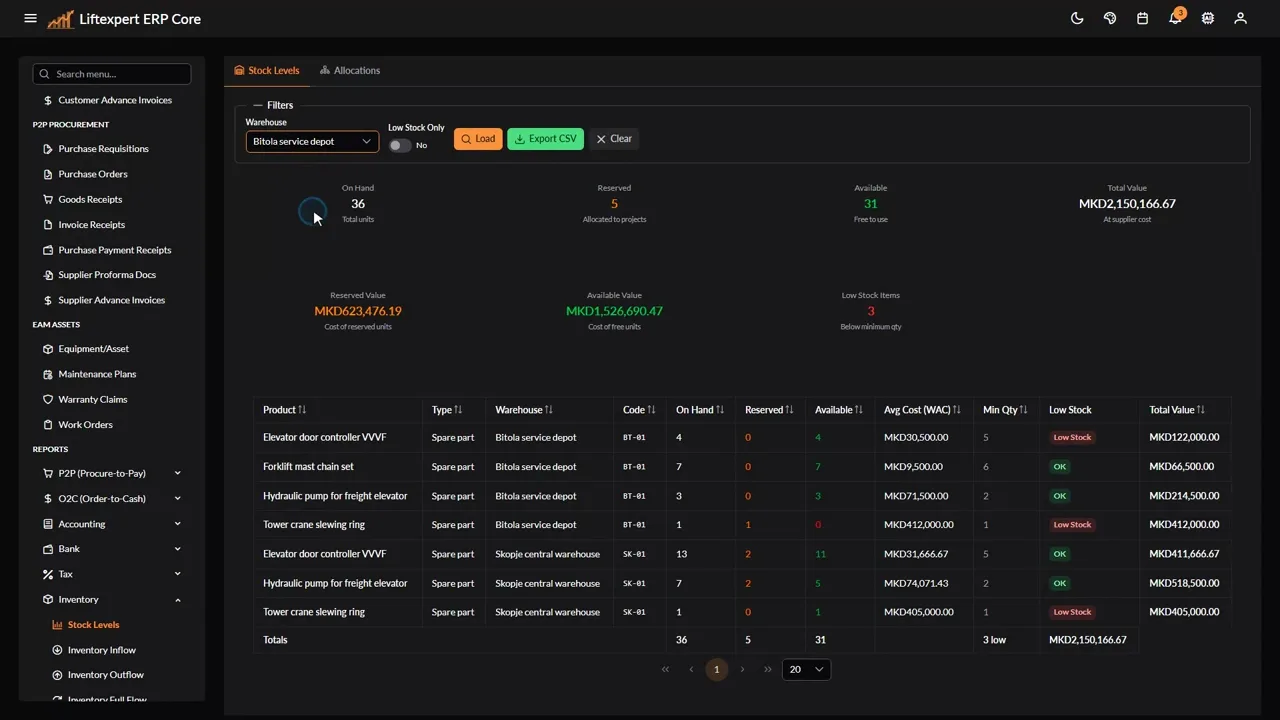
Where stock came from and where it went: by warehouse, product, supplier, project and age.
What you will see
- Inventory Inflow lists every unit that arrived: the receipt, the serial number, the supplier and what it cost
- Totals by warehouse, supplier and project, with the customer and contracts behind it, to check deliveries against what the project needs
- Stock Age shows what is still on the shelf and for how long, from under thirty days to more than half a year, so old stock can be reviewed
- Inventory Outflow shows every delivery to a customer, and goods sent back to a supplier marked Returned, valued at cost and kept out of the sales total
- By customer, you see who took what