Delivery and the printed delivery note
Create the delivery note straight from the sales order, dispatch the goods and print the delivery note with quantities, serial numbers and signature blocks.
What you will see
- The delivery note takes the customer, warehouse, contract and lines from the order, and the lines are locked
- For a serialised product, the serial number is picked from the units in stock
- On dispatch the goods issue is posted at once, with a stock movement by serial number
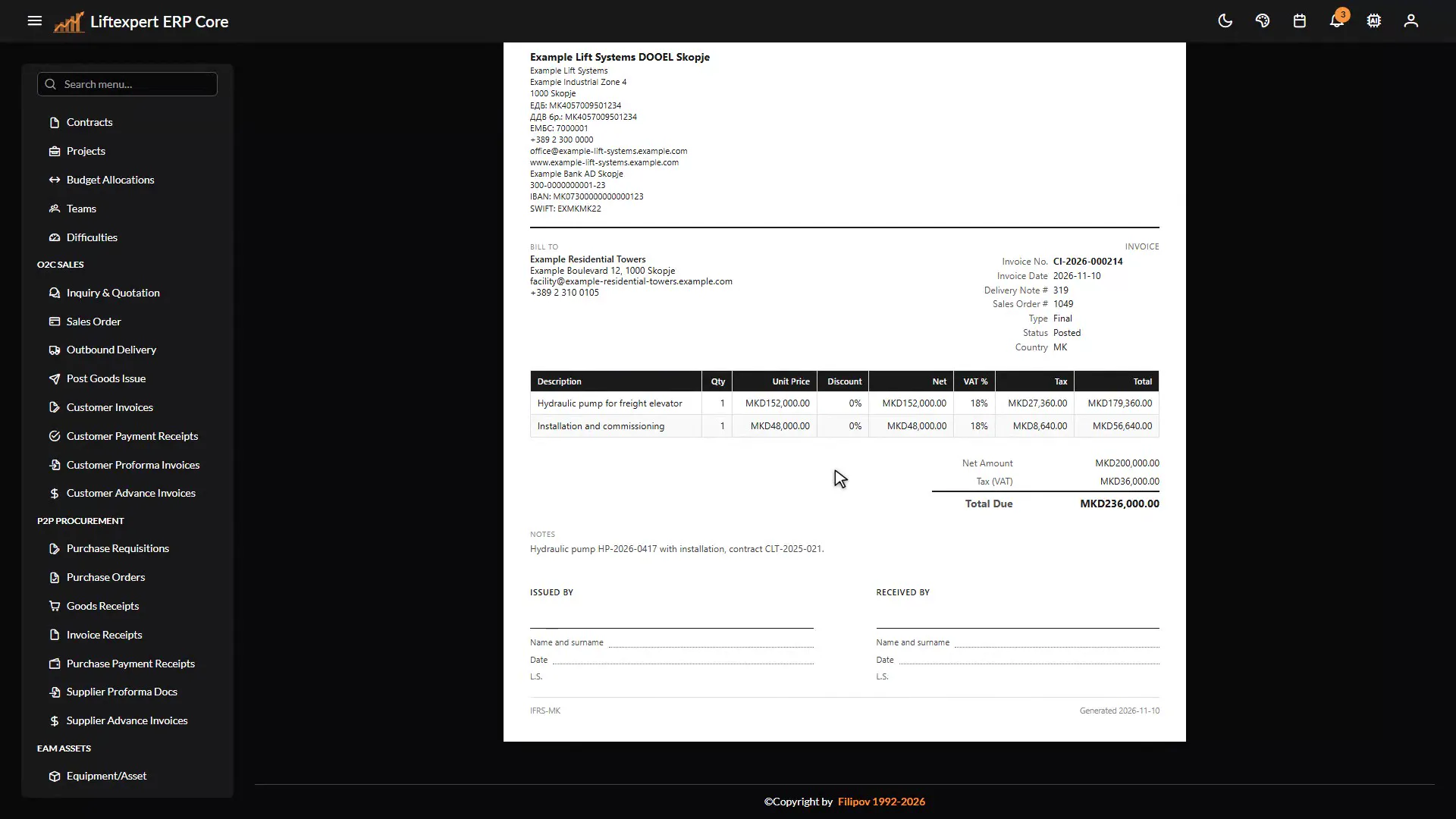
- The printed delivery note carries your letterhead, no prices, and delivered-by and received-by signatures