A technician's day: completing a work order
What a technician sees: only their own work orders, a checklist without prices, Start on site, every check passed, then Complete.
What you will see
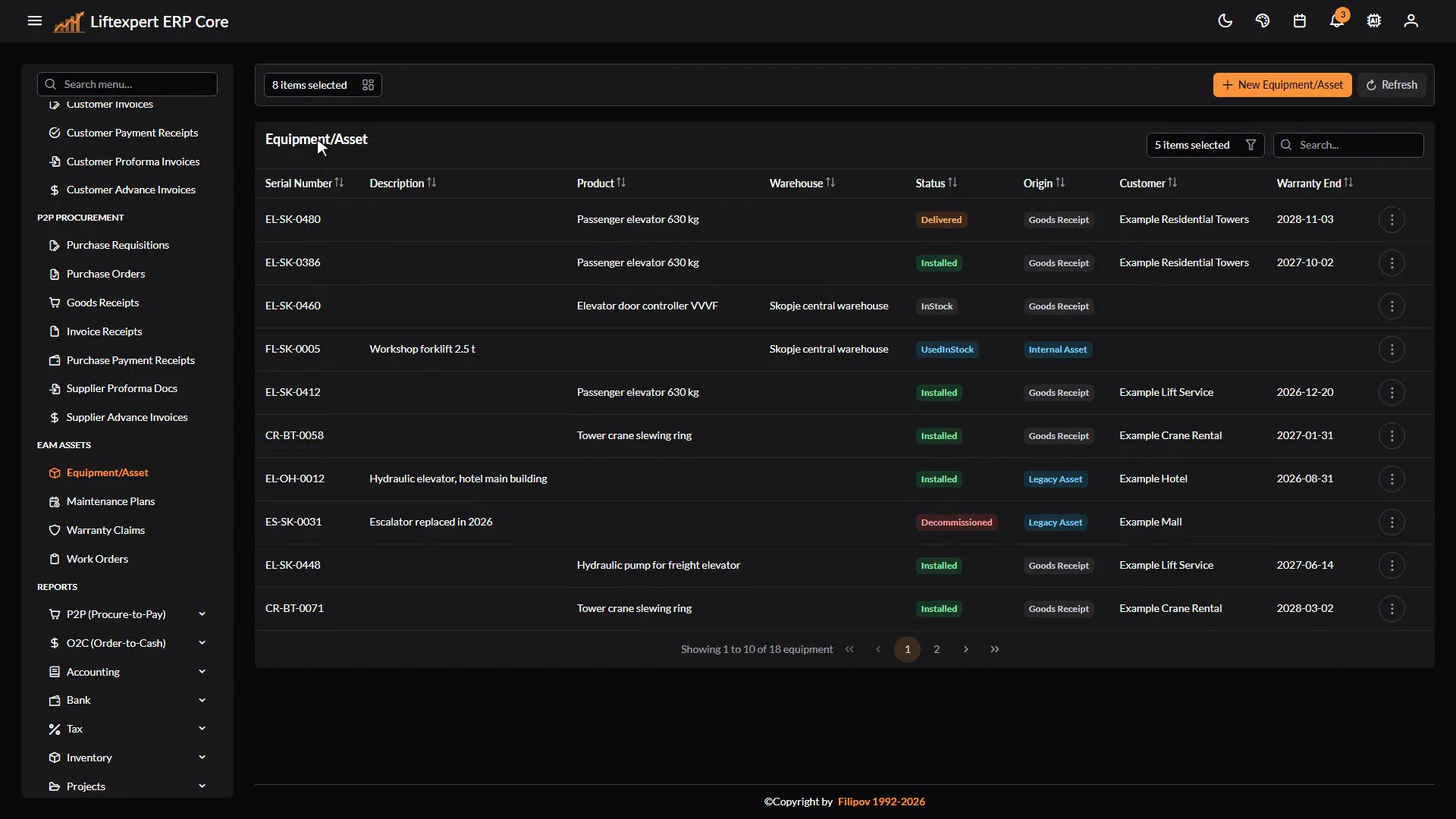
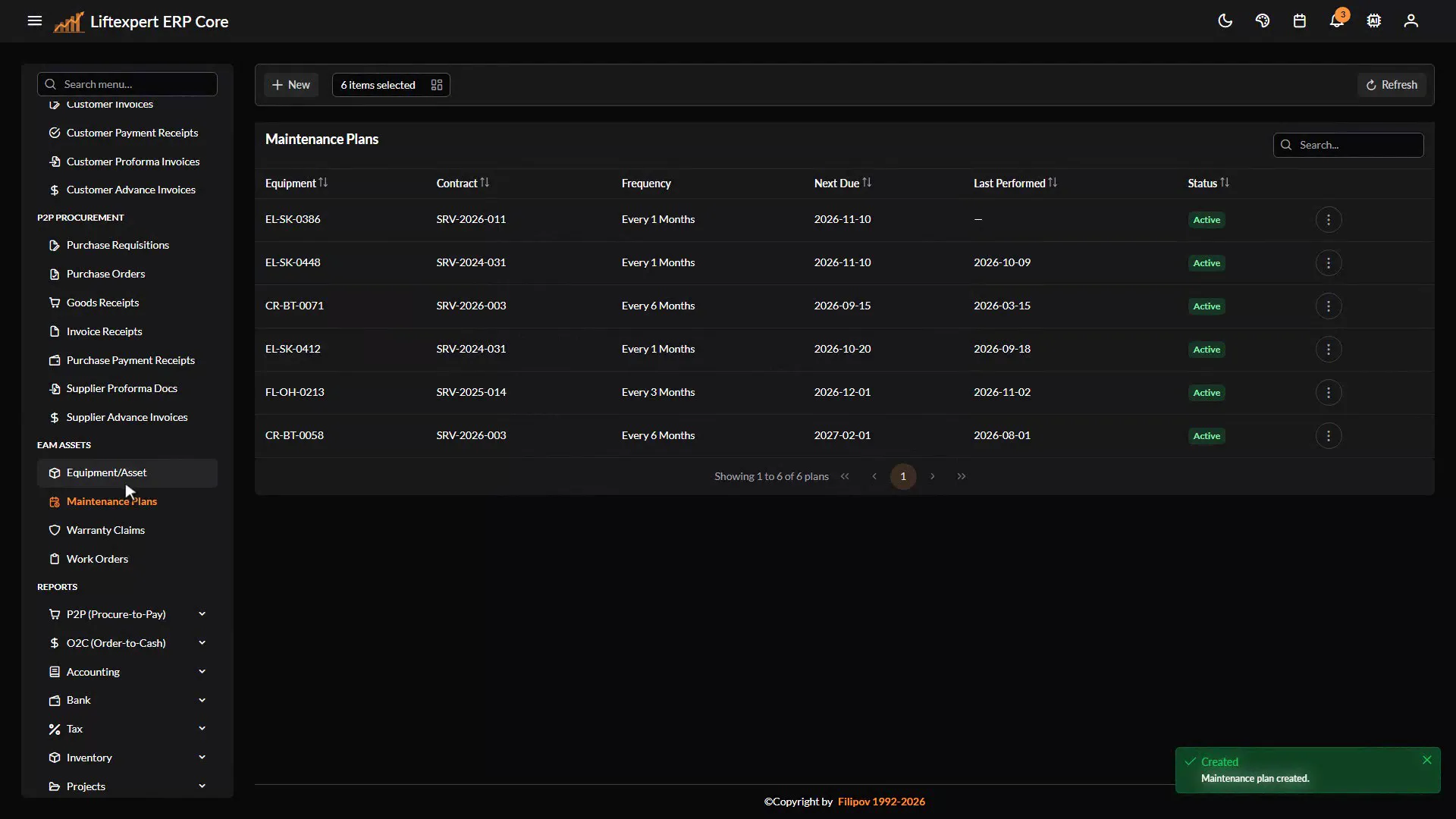
- The menu holds only what the job needs, and the queue shows only the work orders assigned to this technician
- The checklist shows the customer, the unit by serial number, the work and the checks, with no prices
- Start puts the work order in progress and records the start time, so the office sees it at once
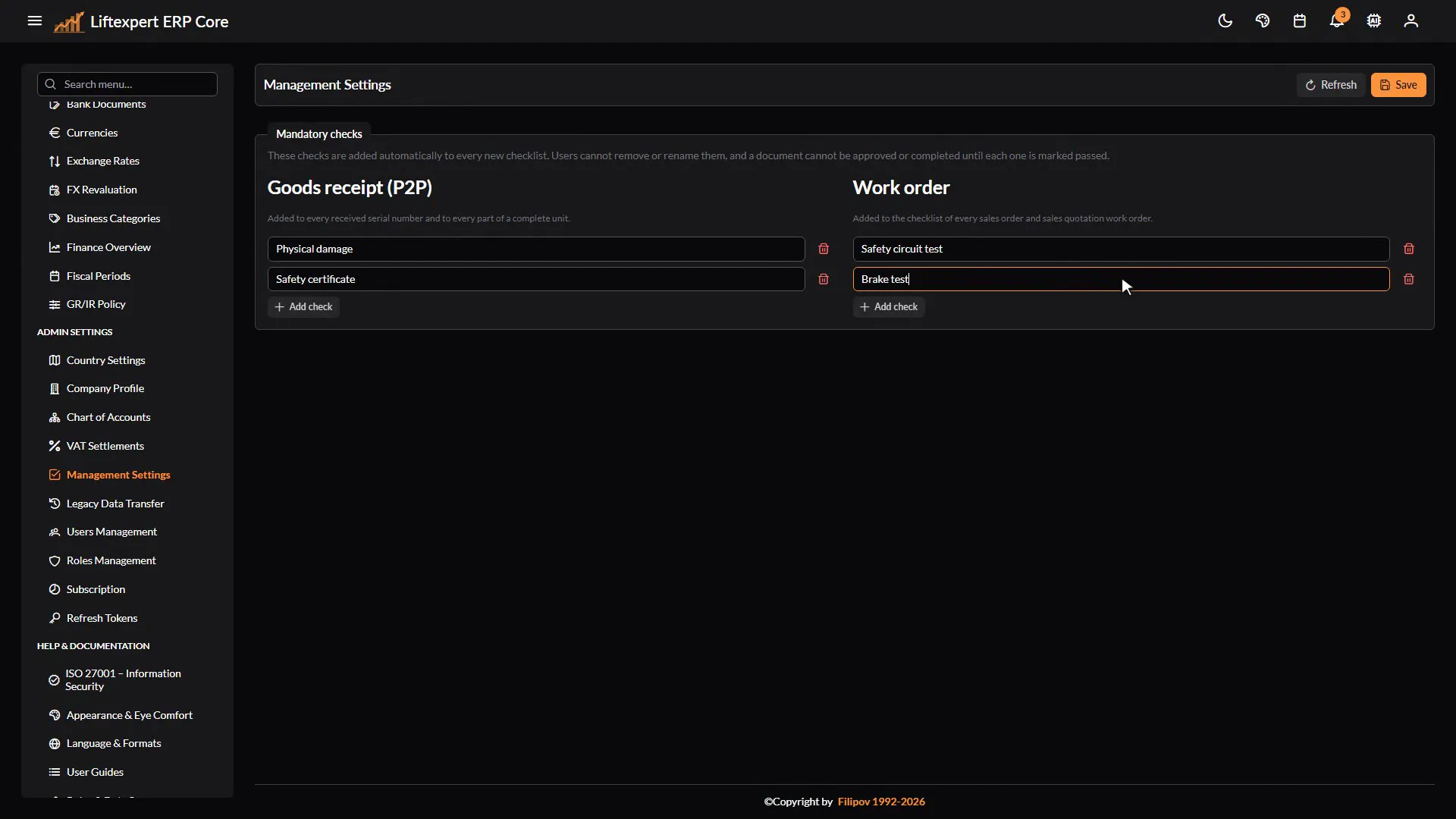
- Each check is marked passed, with a note where it helps, and the time it was checked; saving keeps only the checks
- When every check has passed, Complete closes the job and it leaves the open queue, ready for invoicing